Night bay logbook
Trim & Tune
From kit box to stable air
A technical logbook for radio-control planes, wings, and helicopters. Keep the hangar, the build bays, the maiden hop, and the clicks that finally hold the line in one place.

The bay path
Four nested bays on each airframe — build, radio setup, fly, and service — plus a field button to log a hop when you land.
-
01
Hangar of airframes
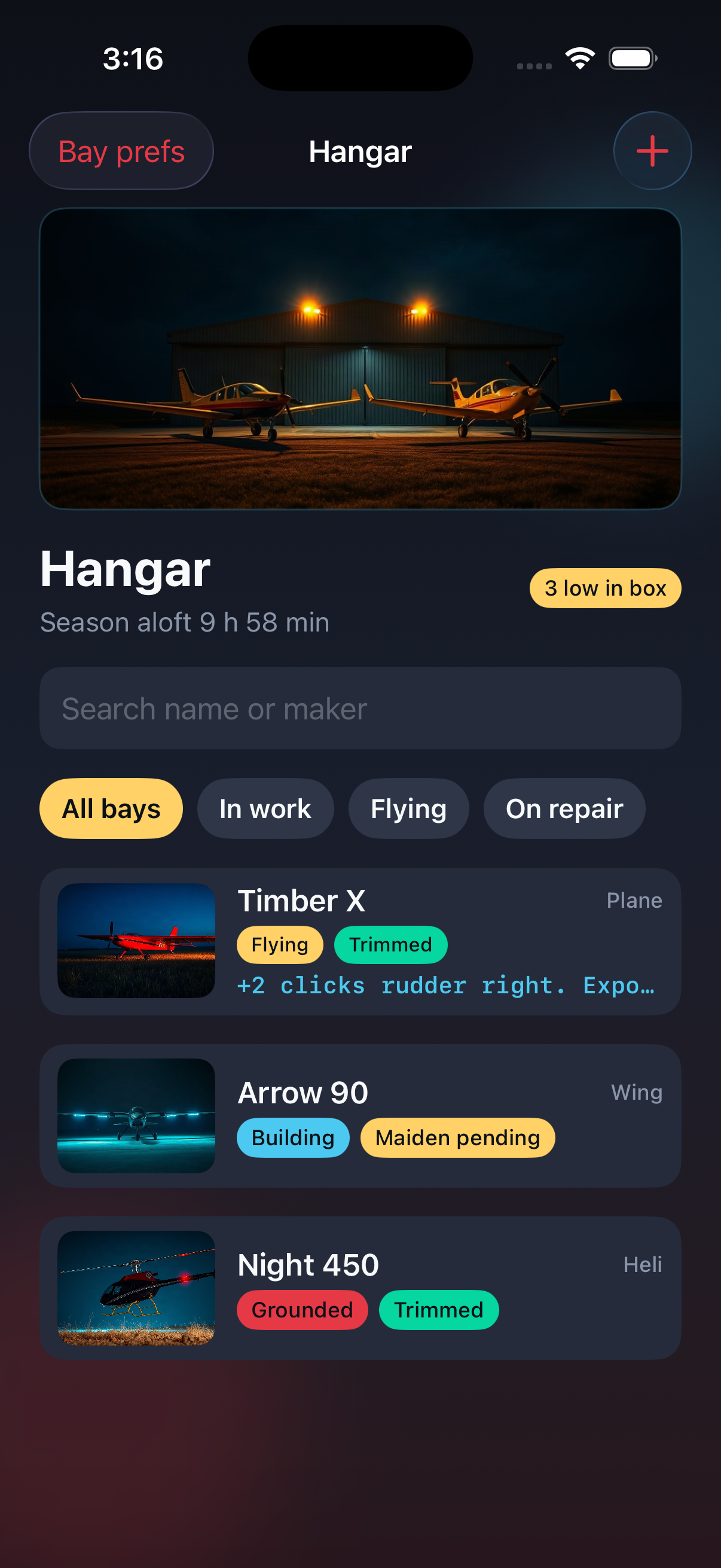
Keep every plane, wing, and heli in one bay with flying, building, or grounded status and hours aloft.
-
02
Build then radio setup
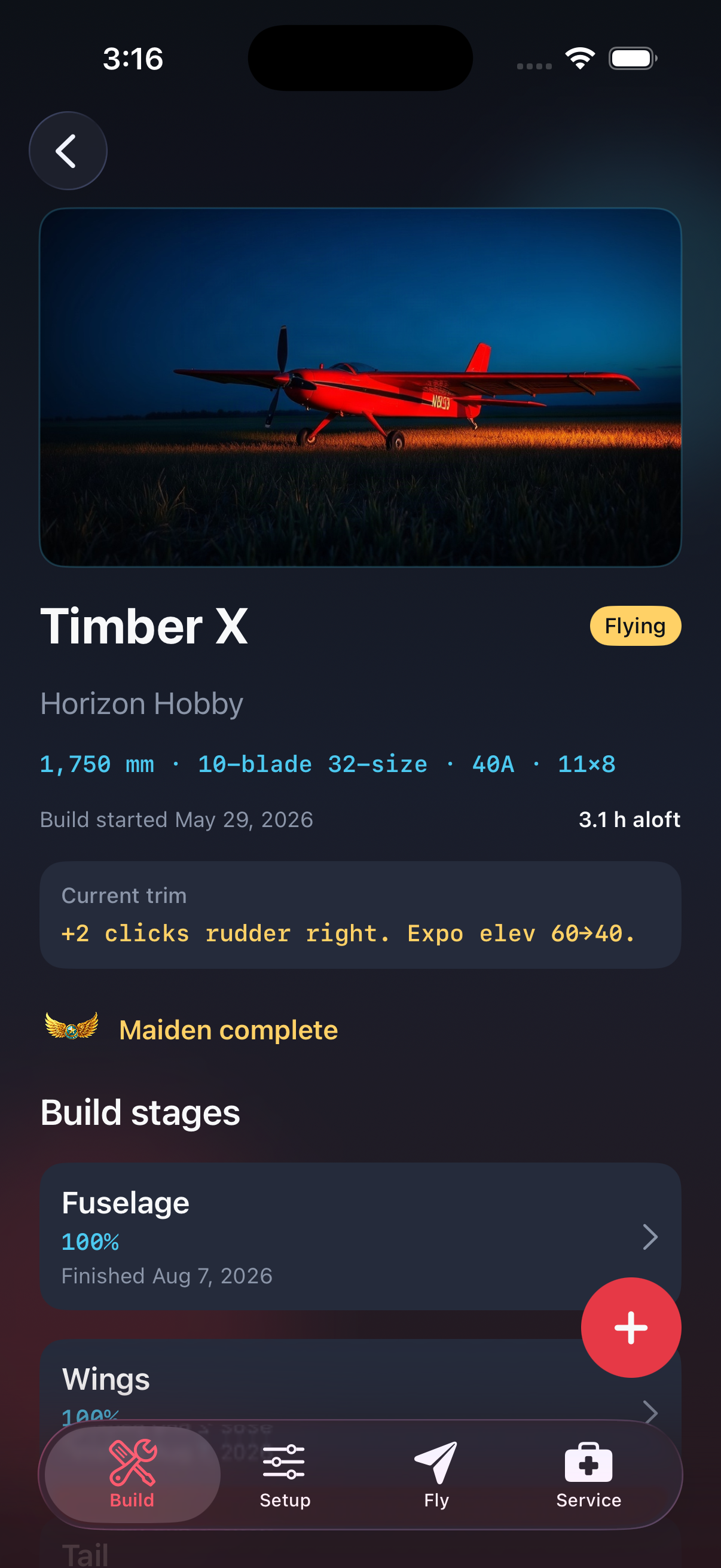
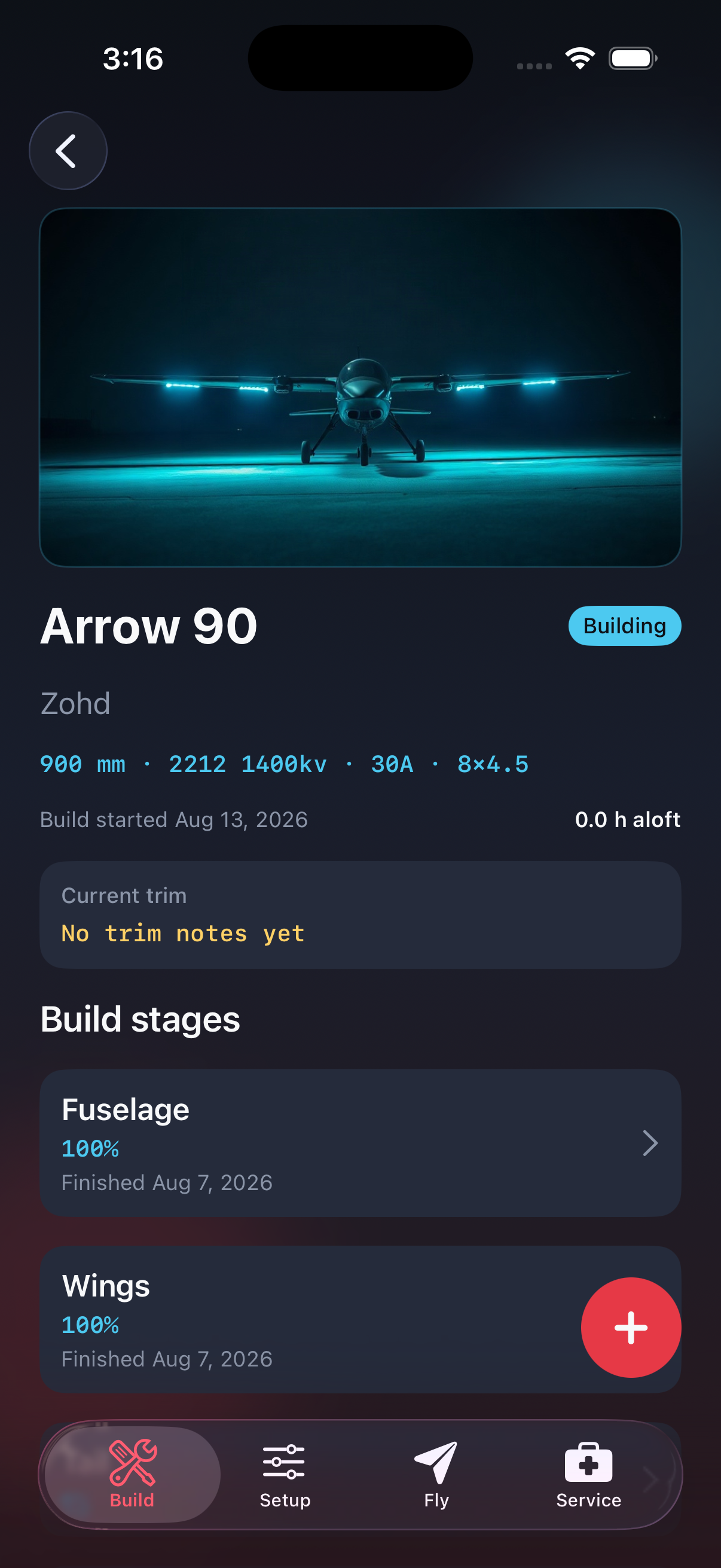
Walk fuselage through covering, then log center of gravity, throws, expo, and ready-to-fly weight on one sheet.
-
03
Maiden, trim, service
Record the first hop, the rudder clicks after it, the flight timeline, and crash repairs until the model is airworthy.



In the hangar
Model profile, fleet bay, and a build still in covering — captured from the iPhone logbook.
Privacy Policy
Effective 31 August 2026. Trim & Tune does not collect personal data. Airframes, build steps, maiden notes, trim clicks, flights, crash logs, and field-box counts are stored on the device where you enter them.
Photos you attach remain in the app’s local storage on that device. We do not sell information and we do not use advertising identifiers for this product. If you delete the app, that on-device logbook is removed with it unless you have your own backup.
Questions about this policy: write to the address on the Support panel of this page.
Support
Need help with a bay, a maiden entry, or a restore of the logbook file? Email the App Review and support contact for Trim & Tune. We read hangar and flight questions in English.